

Evaluations let you define custom quality metrics for your LLM outputs and measure them against real production traces.Documentation Index
Fetch the complete documentation index at: https://docs.lumiqtrace.com/llms.txt
Use this file to discover all available pages before exploring further.
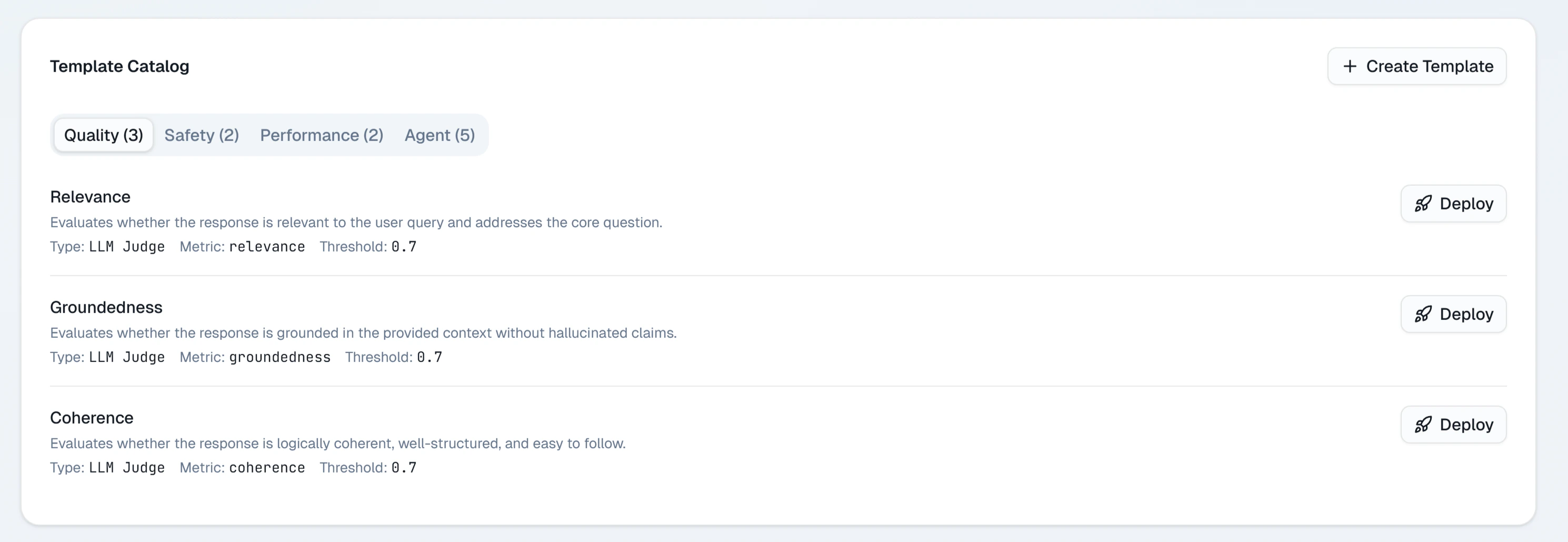
Evaluations are available on the Team and Scale plans. On Pro, you can define evaluators but monthly run limits apply.
How evaluations work
An evaluator is a named metric definition that consists of:- A scoring prompt — instructions for the judge model describing what to measure and how to score it
- A score range — typically 0.0 to 1.0
- An input target — whether to evaluate the prompt, the completion, or both
span.setEvalScore(). Both sources — programmatic and LLM-as-judge — appear in the same dashboard.
Creating an evaluator
Name your evaluator
Give it a short name like
faithfulness, toxicity, or response-quality. The name becomes the metric identifier in trend charts.Write the scoring prompt
Write a prompt that tells the judge model what to evaluate and how to produce a score. Be specific.Example — faithfulness evaluator:
Choose an input target
Select whether the evaluator should receive the completion text, the prompt text, or both. This determines which fields are substituted for
{{completion}} and {{prompt}} in your scoring prompt.Running evaluations
After creating an evaluator, you run it against a selection of traces. Auto-evaluation: Enable Auto-run on an evaluator to have it score every new trace automatically as it arrives. This is useful for monitoring ongoing quality in production. Manual run: Click Run now on any evaluator to score a batch of recent traces immediately. You can choose how many recent traces to include (up to 500). Both modes display results in the evaluator’s trend chart within a few minutes of completion.Reading evaluation results
The main Evaluations page shows all your evaluators as cards. Each card displays:- Name — the evaluator identifier
- Latest score — the most recent average score across the last batch of evaluated traces
- Trend — a sparkline showing how the score has changed over the last 30 days
- Sample count — how many traces were scored in the latest run
- A time-series chart of average score by day
- A distribution histogram showing score spread
- A table of individual trace scores with links to the trace detail view
Attaching scores from the SDK
You can attach evaluation scores to any span programmatically usingspan.setEvalScore(). This is useful when you compute quality scores in your own code — for example, using a custom similarity function for RAG faithfulness.
- TypeScript
- Python
Plan limits
| Plan | Auto-evaluation | Evaluator definitions | Monthly scored traces |
|---|---|---|---|
| Free | Not available | — | — |
| Pro | Not available | 3 | 1,000 |
| Team | Included | Unlimited | 25,000 |
| Scale | Included | Unlimited | Unlimited |